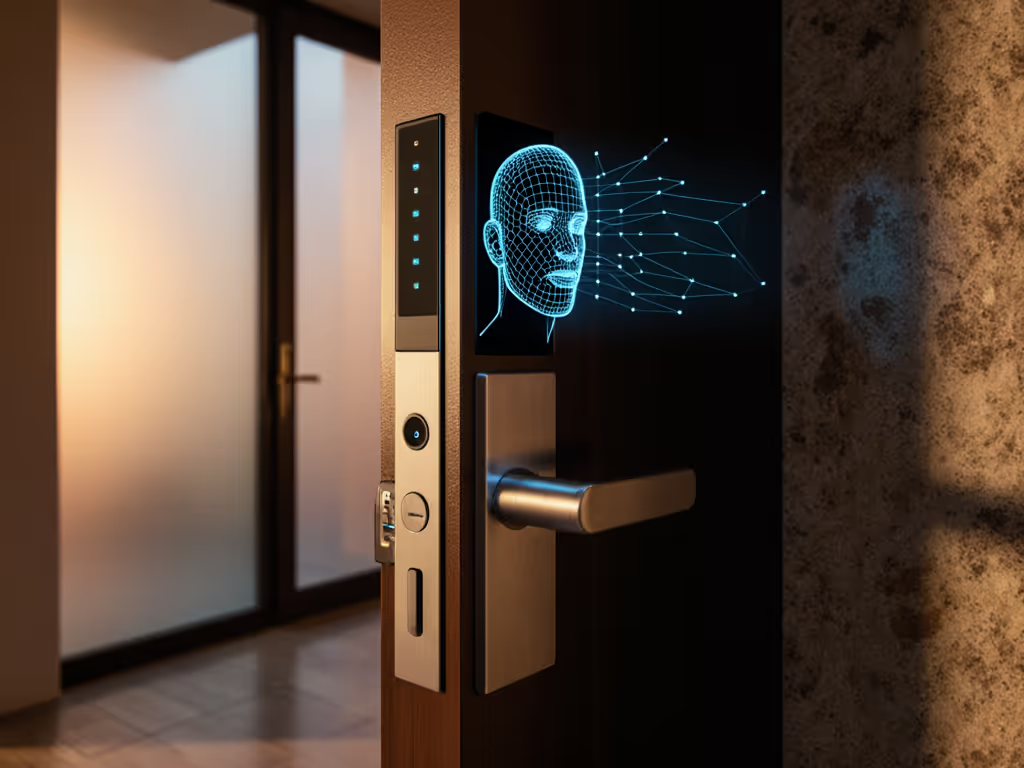
PIR Sensor Smart Locks vs Biometrics: Living Presence Security
By Kenji Sato • 29th May
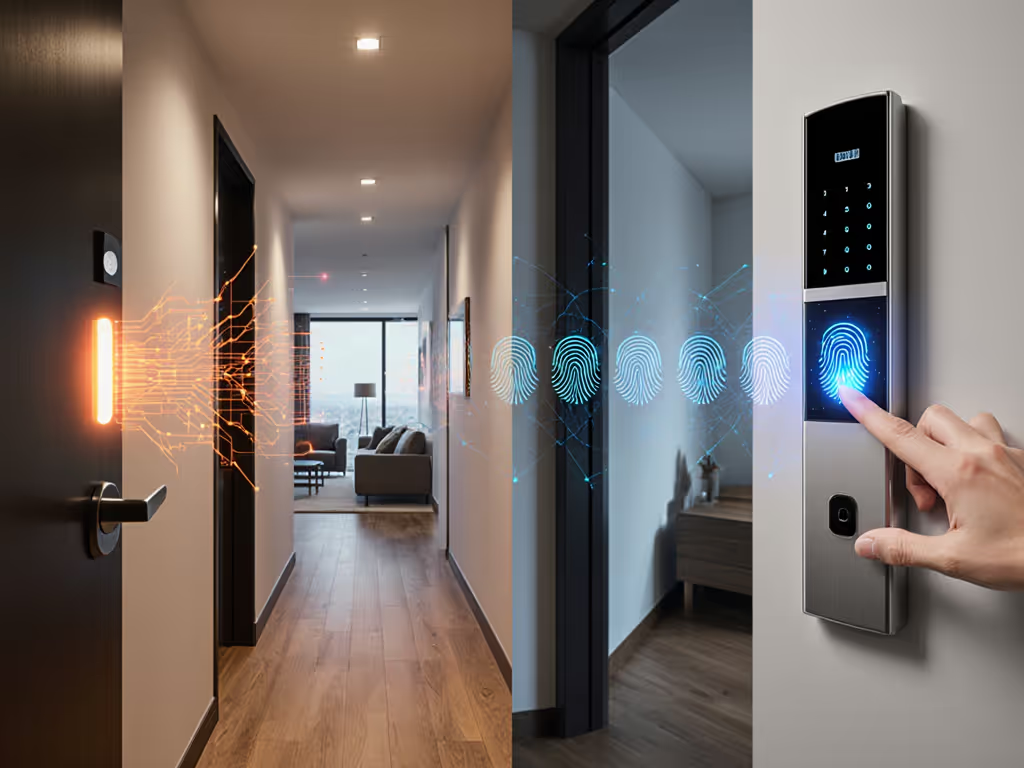
In access control, PIR sensor smart locks and biometric locks solve very different problems but are increasingly marketed under the same "smart security" banner. To evaluate them properly, you have to look at how each contributes to living presence detection security rather than just "can this open the door?" If you're new to how smart locks work, read our smart door locks explained.
This FAQ deep dive walks through how Passive infrared security, biometrics, and local automation fit together for privacy-conscious homeowners, renters, and small property managers who want resilient, cloud-optional systems.
Design for swaps, not sunk costs.

FAQ 1: What is "living presence" in door security?
Living presence in this context means the system is trying to confirm that a real human body is physically at the door now, as opposed to simply checking a credential (code, token, relay attack) or a historic event.
Contrast three levels:
-
Event-only security
The lock only knows that a valid credential was presented (correct PIN, authorized phone, valid key). It does not know who used it or whether anyone is actually there. -
Identity-centric security (biometrics)
Fingerprint or face recognition tries to confirm that a particular person is present, based on stored templates. -
Living presence detection security
Sensors such as PIR, mmWave, or CO2 occupancy detectors verify that a warm, moving human body is present in a specific zone. This may or may not identify which human.
Living presence is powerful when you combine it with other factors:
- Gate remote unlock commands on detected presence at the door.
- Detect suspicious scenarios (door opens, but no presence logged).
- Tailgating or forced-entry detection when presence does not match expected access events.
PIR sensor smart locks sit mostly in this third category. Biometric locks sit in the second (identity) but can be strengthened by presence.
FAQ 2: How do PIR sensor smart locks work?
PIR (Passive Infrared) sensors measure changes in infrared radiation, especially in the band emitted by human body heat. When a warm body moves across the sensor's field of view, the differential between background and new object produces a signal.
In a PIR sensor smart lock, that signal is integrated into the lock's logic or exposed to your automation system:
- The sensor watches a detection zone near the door.
- When it detects motion consistent with body heat, it signals "presence."
- Your controller (or firmware) can then:
- Wake the keypad or fingerprint reader.
- Turn on porch or hallway lights.
- Log "attempted entry" even if the lock is never opened.
- Cross-check against unlock events for anomaly detection.
This is Passive infrared security: there is no emitted beam or active ranging; it simply observes infrared changes.
Strengths
- Low data exhaust: PIR sees warm blobs, not identifiable faces. Good for privacy-centric designs.
- Low power: Suits battery-powered locks and sensors.
- Simple to reason about: "Something warm moved here" is an easy signal for automations.
Limitations
- No identity: PIR cannot tell who is at the door, only that something warm moved.
- Line-of-sight and angle dependent: Dead zones near the door or narrow porches can reduce effectiveness.
- Susceptible to environmental noise: Hot air from vents, sunlight on metal surfaces, or pets can cause false triggers if not tuned.
- Outdoor reliability: Wind and temperature swings can make outdoor PIR tricky; many consumer locks therefore use PIR only on the indoor side for occupancy.
Because of these limits, PIR alone is not an authenticator. It is a context signal. For robust security, you combine it with something you know (PIN), something you have (token/phone), or something you are (biometrics).
FAQ 3: How do biometric smart locks work, and how is that different?
Biometric locks primarily focus on identity verification rather than presence.
Common variants:
- Fingerprint: Capacitive or optical sensors measure a pattern, compare it to encrypted templates stored in the lock.
- Face recognition: Camera plus IR illumination; compares facial features to stored templates.
- Palm/vein patterns (less common in residential): Use IR to see vein layouts.
Security depends on:
- Template protection: Are biometric templates stored encrypted in the lock, or in the cloud?
- Liveness detection: Does the sensor check for traits of living tissue (blood flow, sub-surface patterns, depth) to prevent photos or printed fingers from working?
- Access policies: How easily can you add/remove users, limit schedules, and export backups?
Biometrics answer, "Is this Kenji's finger?" A PIR sensor answers, "Is there a warm body here?" They solve different pieces of the security puzzle. For a practical breakdown of everyday access methods, see our fingerprint vs keypad comparison.
FAQ 4: Which is more secure for unlocking - PIR or biometrics?
For authentication, biometrics are inherently stronger than PIR. PIR cannot distinguish between you and an attacker.
A useful comparison:
| Aspect | PIR Sensor Smart Lock | Biometric Lock (e.g., fingerprint) |
|---|---|---|
| Primary function | Detect presence/motion | Verify identity |
| Authentication strength | None (must be combined with something) | High, if templates and liveness are robust |
| Spoof resistance | Can be triggered with warm objects | Depends on sensor & liveness |
| Privacy profile | No identity, low data exhaust | Identity-based; logs must be handled carefully |
| Outdoor reliability | Sensitive to environment | Fingerprint: sensitive to moisture/dirt |
| Typical battery impact | Low | Moderate (sensor and processing) |
In practice, PIR-only unlocking is rarely a good idea. A sensible pattern is:
- Use biometric or PIN for primary authorization.
- Use PIR as a gating or sanity check: for example, remote unlock commands only succeed if a PIR or other presence sensor near the door sees a body.
PIR is a context signal; biometrics are an identity signal. Treat them accordingly.
FAQ 5: What is "body heat verification" and is that the same as PIR?
Marketing sometimes uses body heat verification to suggest that a lock is confirming a real human rather than a photo or replay. Under the hood, this can mean a few different things:
- PIR-based presence: There is a PIR sensor near the reader, and the lock checks for a warm moving body before accepting an input.
- Infrared-assisted biometrics: A facial recognition camera uses IR to measure depth and warmth of facial features, improving liveness detection.
- Multi-sensor fusion: Some advanced systems combine touch sensors, skin conductivity, and temperature to ensure a fingerprint is on living tissue.
PIR is one of the simplest ways to do body heat verification, but not the only one. When evaluating claims:
- Look for specifics, not just buzzwords. Does the documentation explain how liveness or body heat is used?
- Confirm whether the signal is used only to wake the device or is part of the security decision (refusing input if no body heat).
I avoid relying on unverifiable claims like "military-grade liveness detection" unless the vendor has real security documentation, audits, or at least a technically detailed whitepaper.
FAQ 6: What are anti-mask detection locks, and who needs them?
Anti-mask detection locks react when someone tries to cover, spray, tape over, or otherwise blind the sensor used for detection.
In door scenarios, anti-mask often appears in two forms:
- For PIR or camera modules: The device monitors for a constant, uniform signal that looks like an obstruction. If the sensor is "blinded," it triggers a tamper event.
- For keypads or readers: The system detects repeated errors, physical tampering, or panels being removed.
When is anti-mask worth prioritizing?
- High-risk entrances: Street-facing doors, multi-tenant lobbies, or areas where someone could quietly tape over a sensor.
- Integrated alarm systems: If your lock acts as part of a larger intrusion detection system, anti-mask can raise early alerts.
Many residential smart locks still provide only basic tamper detection (forced removal, door forced open). If anti-mask is a requirement for you, you may be looking at commercial-grade hardware or pairing a standard lock with professional alarm PIRs and door contacts.
As always, treat anti-mask as additional telemetry, not your primary barrier. Physical grade (ANSI/BHMA grades/EN ratings), cylinder quality, and installation matter more.
FAQ 7: How does living presence help against relay attacks and stolen codes?
Presence signals, including PIR, do not magically solve relay attacks or stolen PINs, but they can reduce the practical risk in several ways.
Examples:
-
Relay attacks on phones/key fobs:
Suppose an attacker relays your phone's BLE advertising to your front door. If your system requires both a proximity credential and local living presence (PIR or mmWave at the door), then a purely remote relay without someone physically at the door fails. -
Stolen or shoulder-surfed PINs:
You can: -
Restrict PIN usage to expected time windows.
-
Alert when a PIN is used without matching presence patterns (e.g., large group, unusual time, or no prior doorbell press).
However:
- If an attacker is physically at your door with valid credentials (stolen code, coerced fingerprint), presence does not stop them.
- Presence shines more for anomaly detection and policy enforcement than as a standalone defense.
The best pattern is layered security: strong credentials (biometric/PIN/keys), physical robustness, plus presence-based policies for remote and automated actions.
FAQ 8: Are PIR sensors more privacy-friendly than biometrics or cameras?
For privacy-conscious households and hosts, PIR has a very favorable privacy profile:
- It does not generate recognizable imagery.
- It typically cannot distinguish between household members and guests.
- It produces low-bandwidth, event data: motion start/stop, occupancy state.
Biometric locks, by design, handle identifiable data:
- Fingerprint templates or facial feature vectors.
- Logs that can link events to individuals ("Alice's fingerprint unlocked at 08:32").
To use biometrics responsibly:
- Ensure templates are stored locally on the lock, encrypted and never uploaded by default.
- Prefer products with exportable, local audit logs you control, rather than opaque vendor analytics.
- For EU and similar jurisdictions, pay attention to how biometric processing fits into your legal obligations. For specifics on regional privacy laws and device requirements, consult our GDPR smart lock compliance guide.
For short-term rentals, I generally recommend:
- No guest biometrics. Use PINs, NFC tags, or one-time codes.
- Use PIR or other occupancy signals to coordinate cleaners, lighting, and alarms without involving guest identity.
This keeps you out of needless regulatory and ethical complexity.
FAQ 9: How do PIR and biometrics integrate with Matter, Zigbee, Z-Wave, and local control?
From a standards perspective, the key question is: what does the lock expose to the network?
- Zigbee: A good lock will implement the Door Lock cluster plus relevant security clusters, and ideally an Occupancy Sensing or IAS Zone cluster if it has a PIR. That way, your hub (Home Assistant, etc.) can treat the lock as both a lock and a presence sensor.
- Z-Wave: Look for devices using Z-Wave S2 security with clear command class documentation. Some expose basic sensor reports (e.g., Binary Sensor, Notification) corresponding to PIR events.
- Matter over Thread or Wi-Fi: Matter currently focuses more on lock/unlock and basic door status. For a deep dive into interoperability and roadmap, see our Matter protocol smart locks guide. Many early Matter locks with biometrics simply expose "lock state"; the fingerprint itself is local. For PIR, you want explicit Matter support for occupancy or motion in the device type or a linked accessory.
- BLE advertising: Many biometric locks use BLE for phone-to-lock communication only. The phone app becomes the bridge. That may be fine for local use, but it is harder to integrate cleanly into a vendor-agnostic automation stack.
A critical design choice is bridge vs end device roles:
- If the lock joins your Zigbee, Z-Wave, or Matter/Thread network as an end device, you can keep logic local and hub-agnostic.
- If it only exposes capabilities via a proprietary bridge, all your presence logic and audit trails depend on that bridge staying online and supported.
I once helped a client recover from a vendor killing its proprietary bridge; every cloud-tied automation died overnight. Because their door locks spoke Zigbee with documented clusters, we were able to re-pair them to a new local controller in a weekend and rebuild the flows. That experience fixed my rule of thumb: Interoperate today, migrate tomorrow, and stay sovereign throughout.
For living presence detection security, that means:
- Choose locks and sensors with documented clusters/characteristics.
- Prefer direct Matter/Thread, Zigbee, or Z-Wave integrations over cloud-only bridges.
- Validate that PIR events and lock states are visible locally before trusting them in security-critical automations.
FAQ 10: Where do Ultraloq U-Bolt Pro security features fit into this picture?
The Ultraloq U-Bolt Pro family is a useful reference because it exemplifies a biometric + PIN + key approach, but without built-in PIR.
Key characteristics (at a high level):
- Biometric fingerprint reader plus keypad (anti-peep style).
- Mechanical key override for resilience.
- Local Bluetooth for phone-based access; some variants add integrated Wi-Fi or an optional Wi-Fi bridge.
- Offline operation for basic locking, codes, and fingerprints.
From a living presence perspective:
- The U-Bolt Pro itself focuses on who is at the door (fingerprint, PIN), not whether any living presence is detected.
- You can pair it with separate PIR or mmWave presence sensors connected to your hub (e.g., via Zigbee/Z-Wave/Matter) to implement presence-gated remote unlocking or anomaly alerts.
This pattern (using a well-understood biometric lock and adding independent presence sensors) often gives better long-term flexibility than waiting for a single device that claims to do everything but exposes very little to your local ecosystem.
FAQ 11: For my use case, should I prioritize PIR sensor smart locks or biometrics?
It depends on your threat model, privacy stance, and day-to-day convenience.
Privacy-focused homeowner (primary residence)
- Prioritize: Local PIN + mechanical key; optional biometrics if templates stay strictly local.
- Add: PIR or other occupancy sensors integrated via open standards to drive lights, alarms, and presence-based policies.
- Avoid: Locks that require cloud accounts for basic functions or hide their API/cluster behavior.
Renter needing reversible installs
- Prioritize: Retrofit deadbolt locks that keep exterior hardware and keys; many use keypads or biometrics on the inside.
- Add: Standalone PIR sensors (battery or USB-powered) that join your Zigbee/Z-Wave/Matter network without drilling.
- Consider: Bluetooth-based locks only if they expose enough local control through a hub you own.
Short-term rental host / small property manager
- Prioritize: Time-bound PINs and robust mechanicals; avoid collecting guest biometrics.
- Add: PIR presence in hallways and entries to coordinate cleaner access, detect obvious anomalies, and maintain local audit logs.
- Use: Local controllers that sync codes to booking calendars without granting platforms perpetual cloud access to your locks.
In almost every scenario, my pattern is:
- Choose the right lock form factor and mechanical grade first.
- Decide whether biometrics are acceptable given your privacy and legal constraints.
- Add PIR or richer presence sensors as separate, standards-based devices that you can re-home to a new hub later.
Interoperate today, migrate tomorrow, and stay sovereign throughout.
FAQ 12: How do I combine PIR and biometrics for layered, local-first security?

Here is a common, robust pattern that respects privacy and survivability:
-
Local hub as brain
Use a controller (e.g., Home Assistant on your own hardware) that speaks Zigbee, Z-Wave, Thread, or other local protocols. -
Biometric or keypad lock as the door guard
- Join it directly via Zigbee/Z-Wave/Matter if possible.
- Disable any non-essential cloud features; keep basic operation offline.
- Dedicated PIR or mmWave sensors for presence
- Place one outside (if rated) to see approach to the door.
- Place one inside the entryway for occupancy and tailgating checks.
- Expose events via standard clusters (Occupancy, Binary Sensor, etc.).
- Security policies encoded in automations
Examples of policies you can implement purely locally:
- Remote unlock gating:
"Allow remote unlock from the app only if a presence sensor at the door has detected motion in the last 30 seconds." - Anomaly alerts:
"If door opens and no presence was detected in the last minute, send a high-priority notification and mark for review in the local log." - Night mode:
"After 23:00, require both biometric and PIN for unlock if the interior PIR has been inactive for more than 3 hours." (On locks that support multi-factor.)
- Local audit and exportable logs
- Keep access logs, presence events, and automation decisions on your own storage.
- Periodically export or back them up, especially for STR properties where disputes or insurance claims matter.
With this architecture, if a vendor drops support or kills a bridge, your core logic still lives on a controller you own, with devices that speak documented standards. You can swap a PIR sensor or lock with another brand and update a few automations, instead of rebuilding your entire security stack.
Design for swaps, not sunk costs.
FAQ 13: How should I explore further and evaluate devices in practice?
To go deeper and make specific purchase decisions:
- Map your doors and risks: Exterior vs interior, high-traffic vs rarely used, rental vs private. Different doors can justify different hardware.
- Check mechanical and regional compatibility: Deadbolt vs Euro cylinder vs multipoint; backset sizes; BHMA/EN grades; emergency egress requirements.
- Inspect protocol support carefully: Confirm whether the lock is a true Matter/Thread, Zigbee, or Z-Wave S2 end device, and what clusters/command classes it exposes (lock state, battery, occupancy, tamper).
- Test offline behavior: Before going live, disconnect the internet and confirm that locking, unlocking (with local credentials), presence-driven automations, and logging continue to work normally.
- Review security posture: Look for public changelogs, documented encryption claims tied to real standards, and a track record of patching CVEs.
From there, experiment incrementally:
- Start with one door and a simple presence policy.
- Validate household acceptance (speed, noise, reliability).
- Only then scale to additional doors or units.
If you treat PIR, biometrics, and protocols as modular pieces in a local-first design, you can evolve your setup as standards like Matter mature, without sacrificing autonomy. Interoperate today, migrate tomorrow, and stay sovereign throughout.
Related Articles