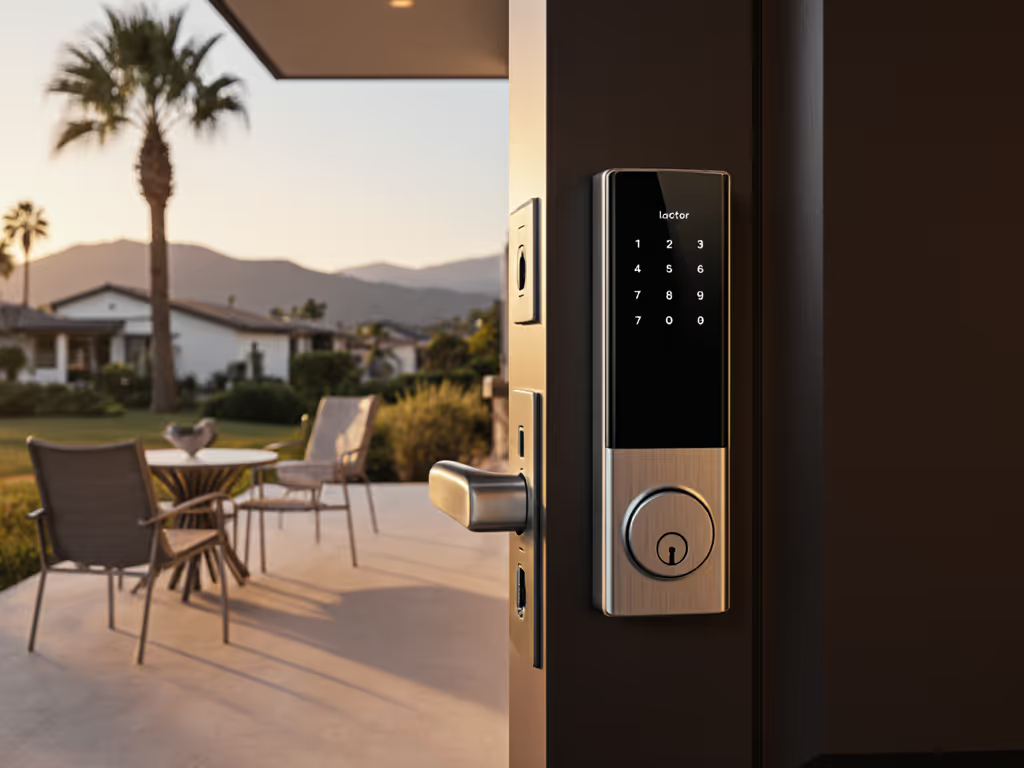
Refrigerator Smart Locks: Offline Security, No Subscriptions
By Marisol Reyes • 6th May
Introduction
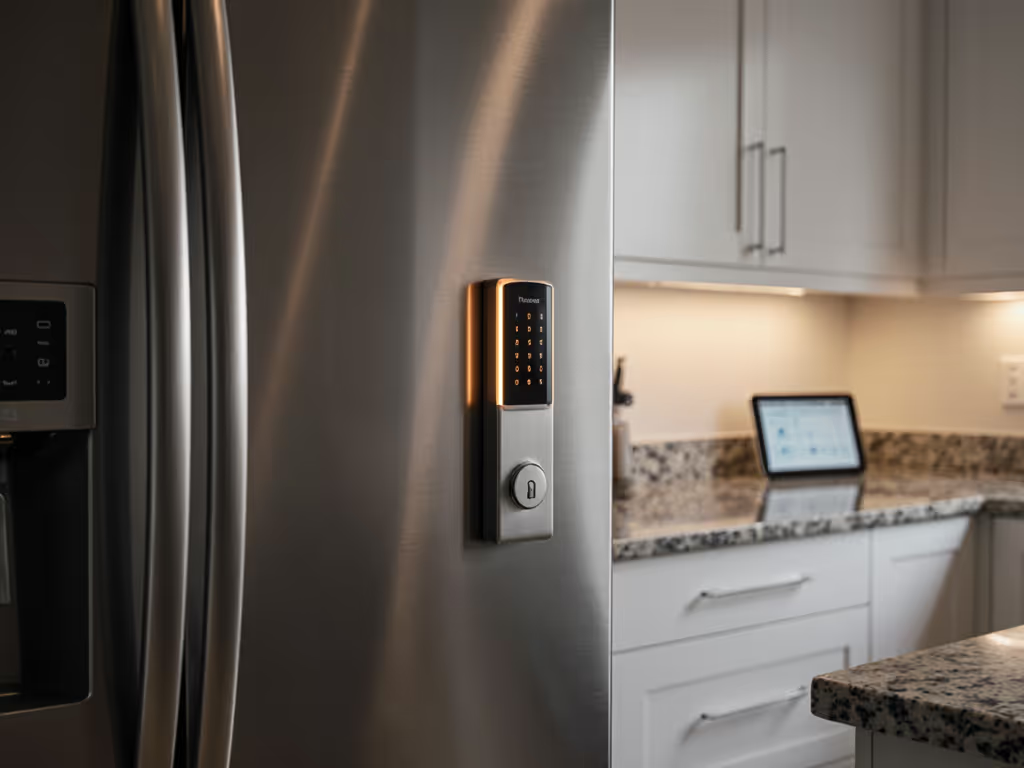
Securing what's inside your fridge shouldn't cost you monthly. Whether you're protecting expensive samples in a rental kitchen, managing food costs across multiple properties, or safeguarding medication in a shared household, refrigerator smart locks and cold storage security locks have become less of a luxury and more of a practical necessity. Yet the market has become saturated with devices that demand cloud accounts, recurring fees, and internet connectivity to function, a problem I learned firsthand when my landlord decided to retrofit our building's smart system with a subscription model and suddenly began charging per key, per month.
That experience changed how I approach smart security. I replaced my unit's refrigerator lock with an inexpensive keypad retrofit and a local hub, then tracked every expense, battery cycle, and maintenance event over two years. The outcome was undeniable: zero fees, reliable offline operation, and complete control without vendor dependency. Today, I apply those same principles to every security upgrade: keep the offline keys, measure total cost of ownership, and demand devices that work when the internet doesn't.
This guide walks you through the critical evaluation framework for refrigerator smart locks, helping you identify which approach (keypad retrofit, mechanical upgrade, or hybrid system) delivers the best total cost of ownership, battery cadence, and peace of mind for your specific use case.
1. Assess Your Cold Storage Security Threat Model
Before selecting any lock, clearly define what you're protecting and from whom. This determines feature priority and justified complexity.
- Household setting (preventing snacking, portion control): Keypad-only locks with simple 4-digit codes suffice. Low TCO focus.
- Shared rental or office kitchen: Time-limited guest codes become essential. You need offline provisioning, codes must work if your hub reboots.
- Multi-unit rental property or hospitality setup: Access logs, temporary codes expiring by date, and audit trails for disputes matter deeply. Local-first logging prevents disputes over who accessed what.
- Laboratory or medical cold storage: BHMA or EN security ratings, tamper detection, and certified audit trails are non-negotiable.
- Mixed household (children, elderly, guests): Keypad ergonomics, emergency backup access, and low-tech override options (mechanical key) protect against lockouts.
Your threat model dictates hardware class. A rental host managing 10 units does not need the same $800 smart lock as a pharmaceutical facility (and vice versa). Paying for features you don't need inflates TCO and increases vendor lock-in risk.
2. Evaluate Battery Cadence and Realistic Lifespan
Smart locks fail when batteries die. Battery cadence (how quickly a lock drains cells under real-world use) is often hidden in vague marketing claims.
Real-world battery testing reveals the gap between spec and practice:
- Keypad-only locks (mechanical deadbolt retrofit): Often rated 1-2 years on 4 AA cells, but this assumes ~5 unlocks/day. Heavy use (20+ daily unlocks in a busy rental) can halve that to 6 months.
- WiFi-enabled locks: Continuous radio transmission drains cells in 3-8 months; many users report surprise dead batteries.
- Zigbee/Z-Wave locks: More efficient; typically 12-18 months under normal use (1-10 unlocks/day).
- Bluetooth-only locks: Highly variable; 6-24 months depending on passkey provisioning overhead.
Practical battery cadence framework:
Track your actual unlock frequency for one week, multiply by 52, and cross-reference against the vendor's tested unlock count, not time estimate. If a lock claims "12 months" but tests show it at 5 unlocks/day (1,825 annual unlocks), and your building door sees 30 daily unlocks (10,950 annual), the real cadence is ~2 months.
For multi-unit properties, this difference is existential: a battery failure on a guest's check-in day means you're driving to the property for emergency access. Budget accordingly, either use long-cadence locks or schedule prophylactic battery changes quarterly.
Emergency power matters. Locks with USB-C or 9V backup allow guests or staff to unlock manually without calling you. For practical steps, see our emergency 9V power guide for dead batteries and lockouts. Locks with no emergency pathway create operational friction.
3. Verify Offline Functionality and Local Hub Requirements
Offline operation is not a feature, it is a survival requirement. Yet many "smart" locks are essentially smart only when online.
Three tiers of offline operation:
- Tier 1: Standalone Keypad (True Offline): No hub required. Codes stored locally on the lock itself. Unlock works instantly, offline or online. No cloud dependency. TCO is lowest; reliability is highest. Trade-off: no remote monitoring, no guest invite system, limited audit logging.
- Tier 2: Local Hub with Offline Fallback: Lock connects to local hub (Apple Home Hub, Home Assistant instance, Zigbee hub). Codes can be provisioned locally. If internet drops, lock continues to work with the hub. Remote monitoring pauses, but security and access remain functional. Moderate TCO; good reliability.
- Tier 3: Cloud-First with Theoretical Offline Fallback: Lock's primary operation depends on cloud servers. Offline mode exists but is limited (e.g., basic keypad works, but no remote access, no logs pushed to cloud). Hub or cloud account mandatory. Highest TCO due to subscription requirements; moderate reliability; highest vendor lock-in risk.
For rental or hospitality use, Tier 2 is the pragmatic sweet spot: You retain offline security, but the local hub lets you manage guest codes without manual setup. The hub can be a Raspberry Pi running Home Assistant (cost: ~$100 + electricity) or a commercial hub (cost: $150-500, depending on standard). For model recommendations, check our smart locks that work offline guide. Over 5 years managing a 5-unit property, this amortizes to negligible cost per unit and eliminates monthly per-lock subscription fees that some vendors charge.
4. Compare Retrofit vs. Replacement and Installation Reversibility
For renters and short-term rental hosts, installation constraints are real. Landlords forbid drilling, tenants fear security deposits, and switching is costly.
Retrofit keypad (mounted over existing deadbolt):
- Pros: No drilling required; reversible; works with any standard deadbolt; low cost ($80–250). Renters should see our no-drill smart lock picks for fully reversible installs.
- Cons: Bulky profile; some guests find them awkward; keypad must protrude into the fridge interior (condensation risk if not sealed).
- TCO: Excellent if the underlying deadbolt is sound. If the door is misaligned and the deadbolt binds, retrofit keypads often jam.
Full-unit smart lock replacement (deadbolt + smart motor inside):
- Pros: Sleek appearance; high "partner acceptance"; handles door misalignment better; keypad/biometrics seamlessly integrated.
- Cons: Requires drilling (unsuitable for rentals); more complex retrofit for older doors with non-standard backsets; higher cost ($400-800).
- TCO: Better long-term if you own the property; poor if renting.
Hybrid approach (mechanical upgrade + retrofit keypad):
- Pros: Upgrade the underlying deadbolt to a high-security grade (BHMA Grade 2) with tight tolerances, then retrofit a quality keypad. Costs more initially but eliminates jamming issues and extends lock lifespan.
- Cons: More work; requires basic hardware knowledge.
- TCO: Strong for 3+ year ownership; breaks even vs. full replacement by year 4–5.
For rental hosts, I default to retrofit + mechanical upgrade. The landlord sees zero permanent changes; your TCO remains low; and you avoid vendor lock-in by keeping the core hardware independent.
5. Examine Guest Code Provisioning and Time-Limited Access
One of the biggest pain points for rental and hospitality use is guest management. Smart systems need to support time-bound codes, especially for short-term rentals, cleaners, and maintenance visits. The best setups offer freeze-resistant and condensation-sealed access points that work reliably in kitchen environments.
Tier 1: Manual code entry (no automation)
- Guest calls; you tell them the code; code is permanent until you change it.
- Pros: No app or hub needed; cheap locks support this.
- Cons: Codes linger; no audit trail; security risk if a guest shares the code.
Tier 2: Temporary codes with expiration dates
- You set a code in the lock's app/interface; code expires on a specific date/time.
- Pros: Guest access is time-bound; you retain control; audit log exists locally or on hub.
- Cons: Requires a hub or proprietary app; codes must be provisioned manually.
Tier 3: Automated guest sync (calendar integration)
- Calendar (Airbnb, Google Calendar, iCal feed) syncs to the lock; codes auto-generate and auto-expire per booking.
- Pros: Zero manual intervention; seamless for busy hosts; audit log is automatic.
- Cons: Requires cloud integration or a sophisticated local hub setup (e.g., Home Assistant with Airbnb sync plugin); higher complexity; potential privacy risk if syncing to proprietary cloud.
For small rental hosts (1-5 units), Tier 2 is ideal: manual time-limited codes on a local hub. Home Assistant or a simple Zigbee hub can handle this with minimal overhead. For 10+ units, Tier 3 becomes justified if the vendor's sync mechanism is privacy-preserving (local-only, no PII sent to vendor clouds).
6. Prioritize Privacy and Data Retention
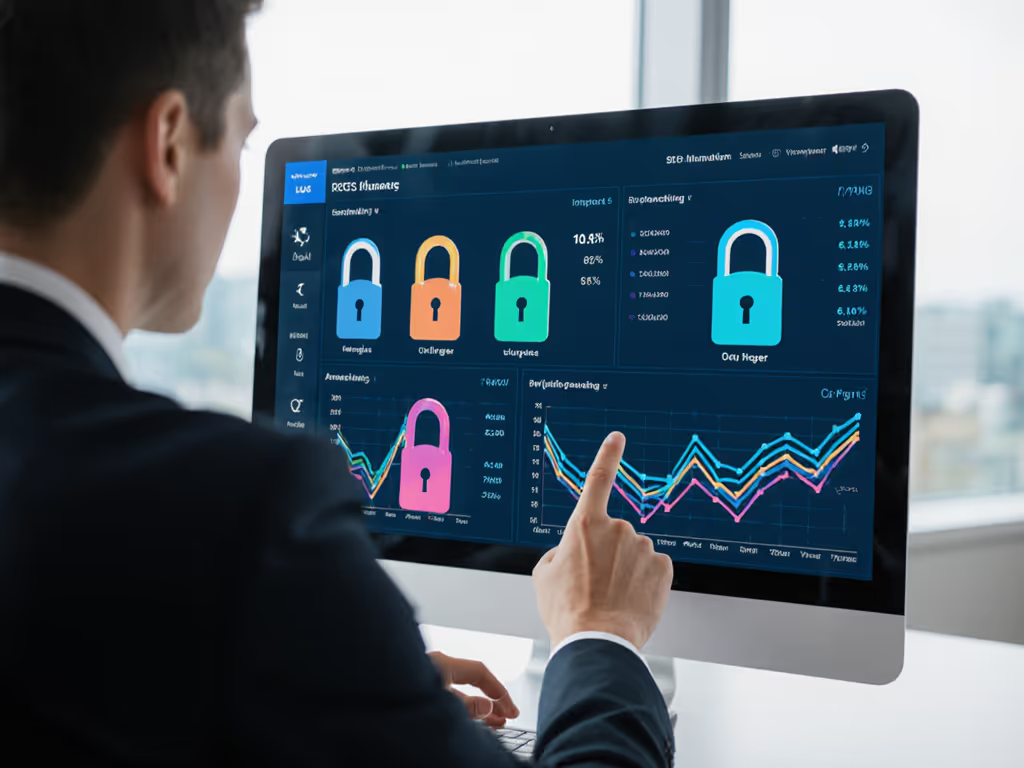
Smart locks that log every unlock are invaluable for audits, disputes, and security investigations. But who owns those logs, and where are they stored?
Privacy-first architecture:
- All access logs stored locally on the lock or hub; no cloud sync by default.
- User data (names, access times) encrypted on-device; no vendor telemetry or analytics.
- Audit logs exportable as CSV/JSON for dispute resolution or insurance claims.
- No biometric data collection (fingerprints, faces) unless explicitly stored locally on the lock's secure enclave.
Red flags to avoid:
- "We need internet to generate your guest codes" (cloud dependency masquerading as feature).
- "Aggregate anonymized analytics help us improve." (Any telemetry, even anonymized, is data harvest).
- "Account required to manage codes." (Vendor lock-in; forces SaaS adoption).
- "Cannot export audit logs" or "logs deleted after 30 days." (No long-term forensics).
For rental hosts, privacy isn't just a preference, it is a legal necessity. Learn how to keep control of your logs in our smart lock data ownership guide. EU GDPR, California CCPA, and similar privacy laws restrict what data you can collect from guests and tenants. A lock that silently uploads guest access times to a vendor's cloud is a compliance liability. Stick with devices offering offline provisioning: codes stored on the lock, logs on your hub, zero cloud dependency for operation.
7. Assess Physical Security Standards and Tamper Detection
A "smart" lock is still a deadbolt. Physical security ratings matter. BHMA (Builders Hardware Manufacturers Association) and EN (European Norm) grades measure lock durability and resistance to forced entry. Learn what grades mean in our ANSI/BHMA certification explainer.
BHMA grades (US standard):
- Grade 1: Highest; institutional/commercial use; expensive.
- Grade 2: Residential/light commercial; good value; most consumer locks here.
- Grade 3: Budget; short lifespan; higher failure rates.
EN grades (EU standard):
- EN 1634-1: European equivalent to BHMA; Grade 4-6 (6 is highest).
Most affordable smart retrofits fall into BHMA Grade 2 or 3 and EN Grade 4-5. That's acceptable for rentals and light residential use. If you're retrofitting a high-security cold storage or multi-access property, verify the underlying mechanical lock holds Grade 1 or EN 6 certification.
Tamper detection (e.g., alerts when someone tries to drill the lock, pry the faceplate, or pick the mechanism) is a bonus feature, but it only works if:
- Alerts are stored locally and don't require cloud connectivity to trigger.
- Logs are persistent; you can review tamper events weeks later.
- Physical mechanics are sound (no false positives from normal use).
Most sub-$300 smart locks skip tamper detection or log it only to cloud, defeating the purpose if internet drops during a break-in attempt.
8. Measure Keypad Ergonomics and Household Accessibility
A smart lock that no one can use reliably is worthless.
Keypad ergonomics matter for:
- Children (small fingers; large buttons reduce mis-taps; visual feedback important).
- Elderly users (tactile feedback; audible beep confirmation; large, high-contrast displays).
- Guests and maintenance staff (unfamiliar with your lock; need clear instructions; should not require app or app training).
- Accessibility (ADA compliance, Braille labels, voice feedback).
Practical checklist:
- Button spacing: >10mm between buttons; minimum 15mm is ideal.
- Tactile feedback: Distinct click per key press; no mushy or unresponsive feel.
- Audible feedback: Confirmatory beep when code entered correctly; warning beep on wrong code.
- Backlit display: For low-light entries; should not drain battery excessively.
- Emergency override: Mechanical key slot or 9V backup port; guest should not require phone or app.
Many retrofit keypads skimp on ergonomics to hit price targets. Test any lock in your home or a rental property for at least two weeks before bulk purchase. What seems fine at a store demo becomes tedious after your 50th code entry.
9. Evaluate Ecosystem Compatibility and Future-Proofing
Vendor lock-in is insidious. A lock that works beautifully with one ecosystem (Apple Home, Home Assistant, Smartthings) is useless if you switch platforms, or if the vendor discontinues support.
Open standard support:
- Matter/Thread: Emerging standard, hardware-agnostic, backed by industry consortium (Google, Apple, Amazon, Philips, etc.). Locks with Matter support are future-proof.
- Zigbee/Z-Wave: Established, mature, multi-vendor; Home Assistant, Hubitat, and many others support both. Long-term viability is high.
- Apple HomeKit: Proprietary but stable; if you're in the Apple ecosystem, HomeKit Secure Video can store 24-hour access logs locally.
- Open APIs/MQTT: Locks with documented local APIs let you build custom automation; MQTT integration is the gold standard for local control.
- Avoid: Proprietary cloud-only APIs; locks tied to a single app vendor; no local API documentation.
For future-proofing, ask:
- Can I export my user list and codes if I switch vendors?
- Does the lock support multiple standards (e.g., Zigbee and HomeKit) so I can swap hubs?
- Is the firmware open-source or at least auditable by security researchers?
- Does the vendor publish a long-term support roadmap?
A lock chosen today should work with whatever hub ecosystem you adopt in 5 years. Short-term vendor allegiance is a liability.
10. Calculate True Total Cost of Ownership (TCO) Over 5 Years
This is where the rubber meets the road. Most lock buyers focus on purchase price and ignore TCO.
TCO formula:
TCO = Purchase Price + Installation Costs + Annual Subscriptions (5 years) + Battery Replacements + Maintenance + Support Calls/Lockouts
Example comparison (single rental unit):
Option A: Subscription Cloud Lock ($600 + $10/month subscription)
- Purchase: $600
- Installation (professional): $150
- Subscriptions (60 months): $600
- Batteries (replace every 18 months, DIY, $15 each): $50
- Lockouts/Support (estimated): $100
- 5-year TCO: $1,500
Option B: Retrofit Keypad + Mechanical Upgrade + Home Assistant Hub
- Retrofit keypad: $150
- Mechanical deadbolt upgrade (BHMA Grade 2): $200
- Home Assistant hub (amortized share): $30
- Installation (DIY): $0
- Subscriptions: $0
- Batteries (replace every 12 months, DIY, $10 each): $50
- Lockouts/Support: $0
- 5-year TCO: $430
Option B is 71% cheaper over 5 years and requires no recurring fees. For 10 units, the savings exceed $10,000 over 5 years, enough to hire a part-time maintenance person to handle battery swaps and code provisioning.
Summary and Final Verdict
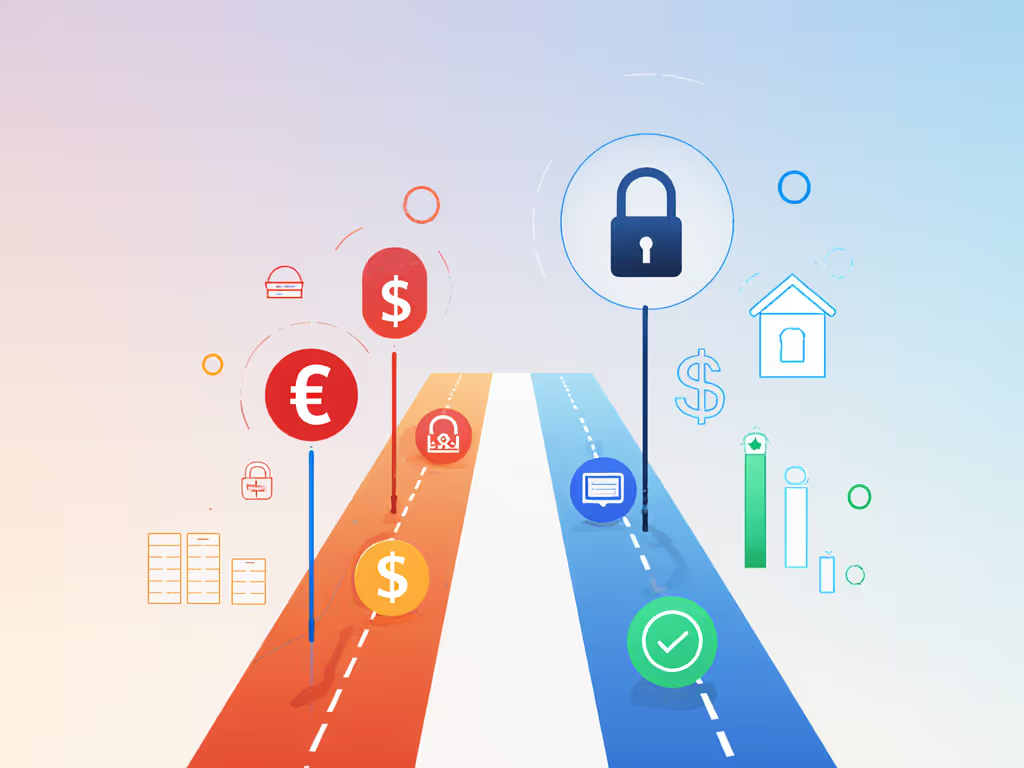
Refrigerator smart locks and cold storage security locks are no longer a niche tool. They're essential infrastructure for rental hosts, multi-unit property managers, and privacy-conscious homeowners. But the market has fractured into two camps: subscription-dependent cloud solutions and ownership-focused offline alternatives.
The case for offline, subscription-free locks is overwhelming:
- Lower TCO: No monthly fees; battery and maintenance costs are predictable; emergency lockouts are rare.
- Reliable operation: Locks work when the internet doesn't; no surprise outages or forced firmware updates breaking functionality.
- Privacy by default: Access logs stay local; no vendor harvesting guest data or access patterns.
- Portability and reversibility: Retrofit keypads work with any standard deadbolt; if you move or change properties, you take the lock with you.
- Future-proofing: Open standards (Zigbee, Z-Wave, Matter) and documented local APIs prevent vendor lock-in.
The trade-off is modest: Offline locks lack cloud-based remote monitoring and require a local hub for advanced guest management. But these are luxuries, not necessities. For rental hosts, a Raspberry Pi running Home Assistant ($100 initial cost) solves both problems: guest codes, audit logs, and zero monthly fees.
My recommendation:
- Single residential unit (homeowner, no guests): Start with a standalone keypad retrofit ($150–200). No hub needed; costs virtually nothing to maintain.
- Rental or hosting (1-5 units, light guest turnover): Retrofit keypad + Home Assistant hub ($180 total per unit, amortized). Manual guest code provisioning; full offline operation; zero subscriptions.
- Multi-unit property or high-volume rental (10+ units, frequent turnover): Invest in a Tier 2 hub (Hubitat or HA VM) with Zigbee locks; automate guest code expiration via calendar sync. TCO breakeven vs. cloud solutions happens in year 1-2.
- High-security facility (medical, lab, secure storage): Hire a professional to spec locks meeting BHMA Grade 1 or EN 6 standards, with local audit logging. Cloud options are acceptable if the vendor is transparent about security posture and offers local API access.
Keep the offline keys. The vendor that succeeds long-term is not the one with the fanciest app, it is the one whose locks still work when everything else fails. Lock your cold storage with hardware that outlasts subscriptions, respects your privacy, and works the way you control it, not the way a cloud server decides today.
Related Articles